Appearance
How to upload logo image in AMP?
How to upload logo image in AMP?
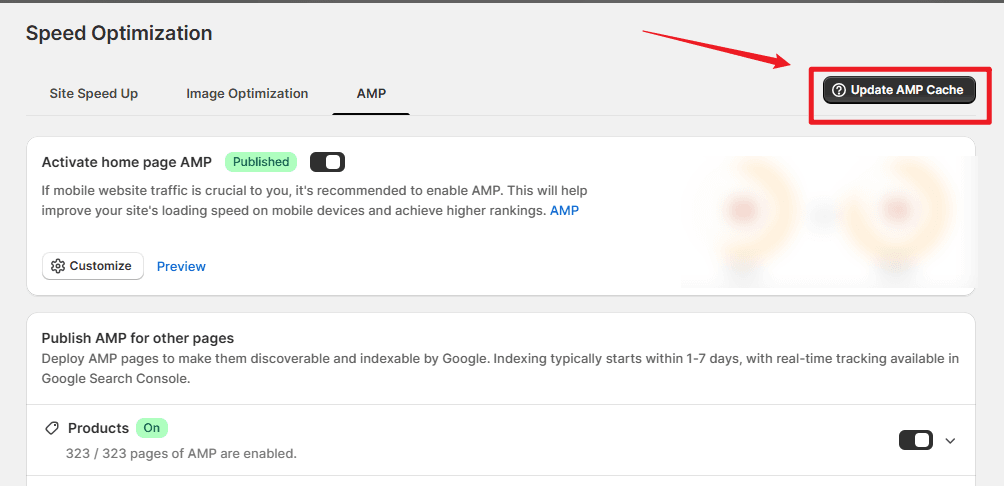
To upload a logo image for your AMP pages, please follow these steps:
- In the SEOWILL app, go to AMP.
- Open the Image Library.
- Click Upload Image and select the image you want to use as your AMP logo.
Once uploaded, the image can be applied within your AMP settings.
If you need assistance with AMP customization or image requirements, please contact the SEOWILL Support Team.