
Appearance
How to Fix AMP Speed Score Loading Issues
How to Fix AMP Speed Score Loading Issues
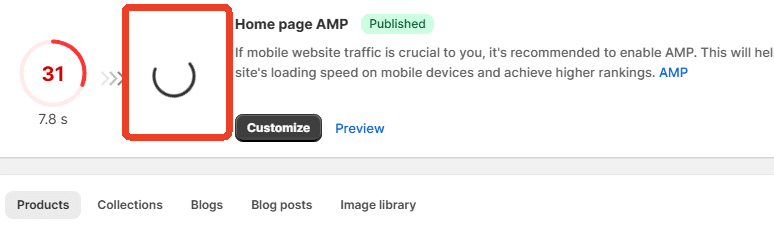
If the AMP speed score does not finish loading, the issue is usually caused by an incorrect App Proxy configuration.
Please follow the steps below to set up the App Proxy correctly:
Go to Shopify Admin → Sales channel settings
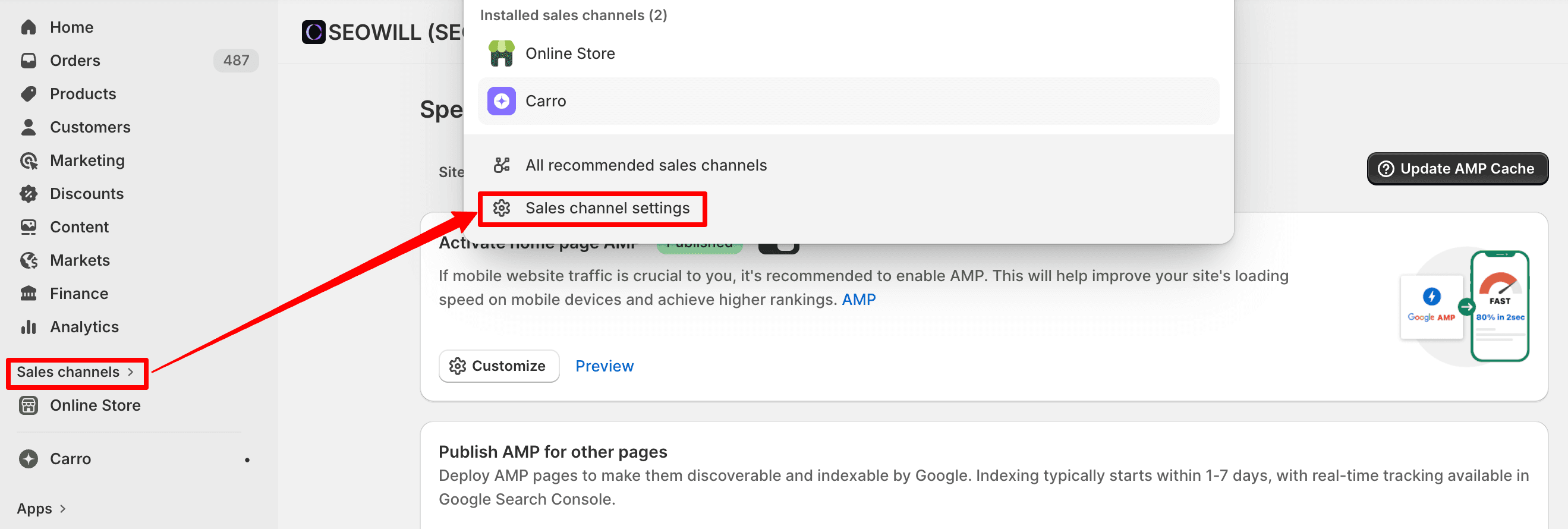
Select SEOWILL – AI SEO.
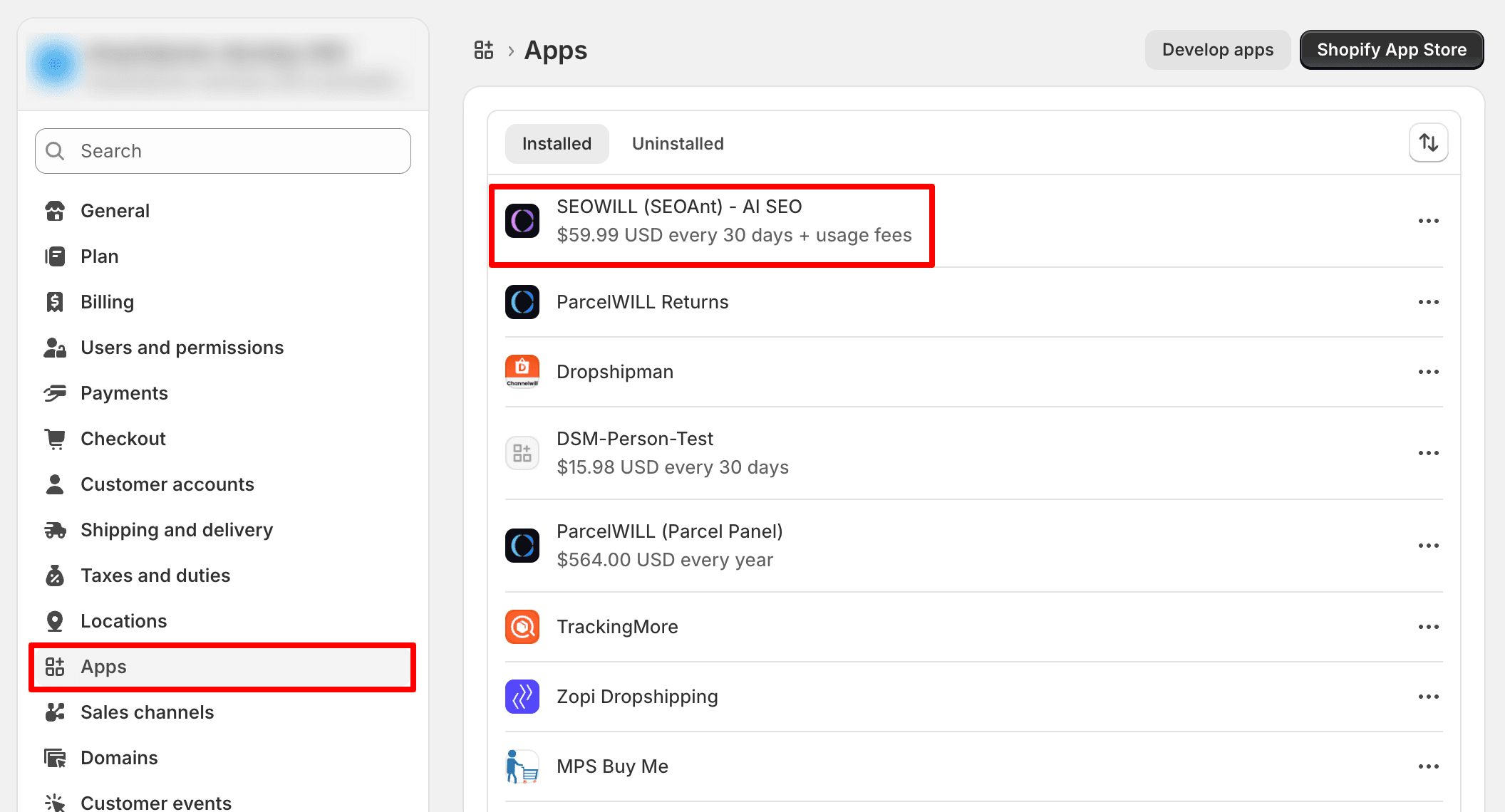
Open App Proxy settings.
Click Customize URL → Edit App Proxy URL.
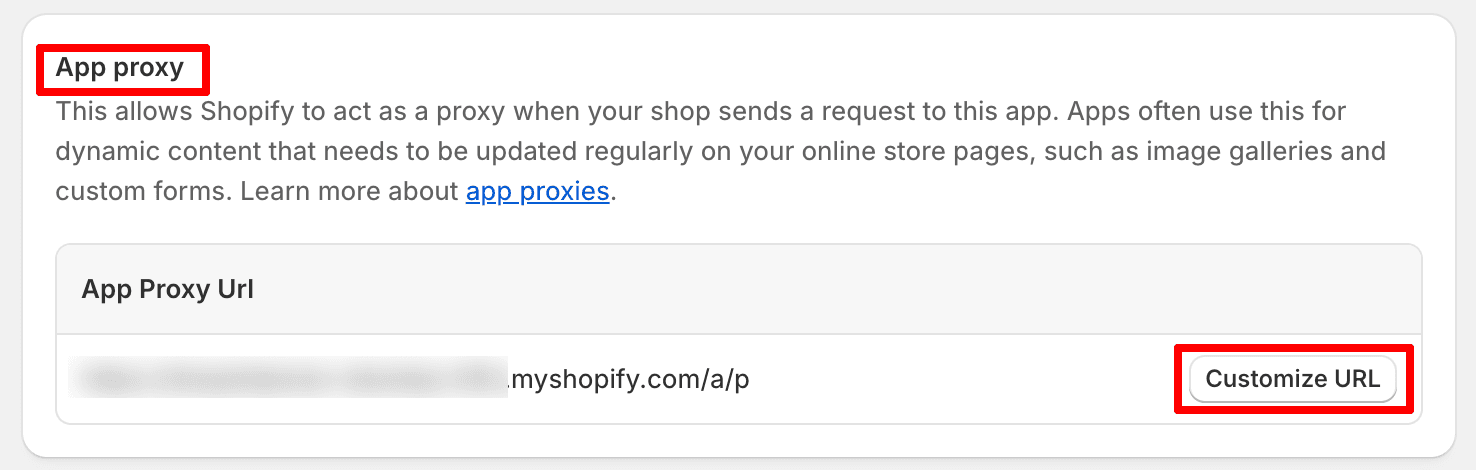
Once the App Proxy is configured correctly, refresh the page and check the AMP speed score again.
Ensure the App Proxy URL follows this format: https://your-store-domain/a/p
If the issue persists after completing these steps, please contact the SEOWILL Support Team for further assistance.