Appearance
How to Use the Workflow Navigation in SEOAnt
How to Use the Workflow Navigation in SEOAnt
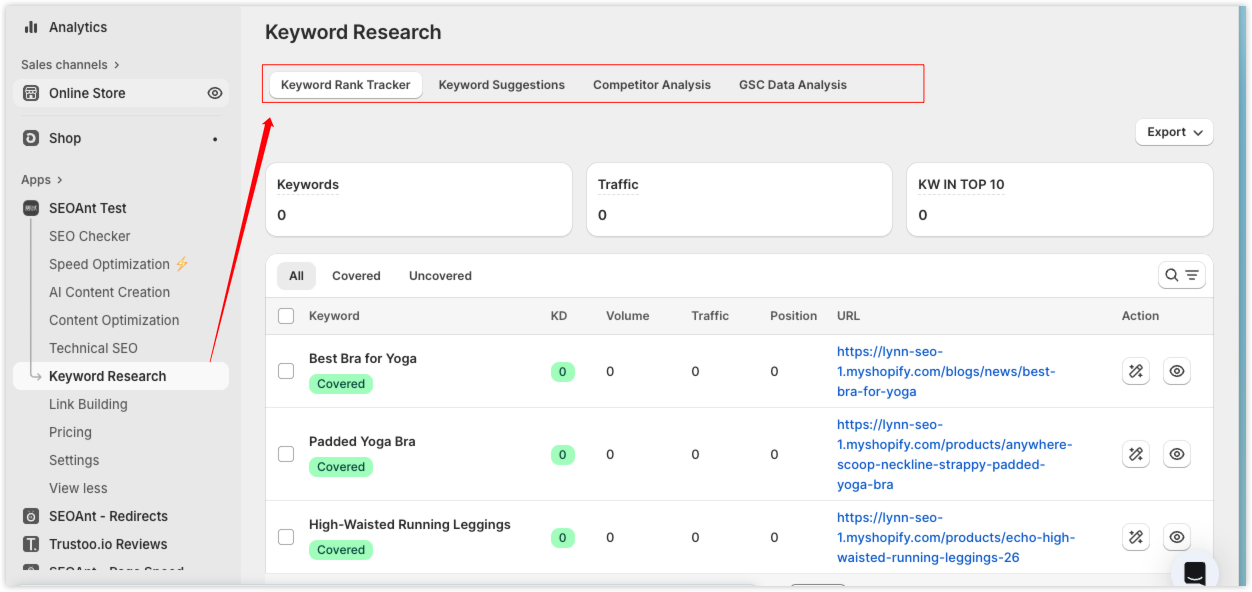
To help you use SEOAnt more efficiently, we’ve updated the Product navigation structure. This update does not remove or change any features — it simply improves how features are grouped and accessed.
All features are now organized into clearer modules that follow the real SEO workflow.
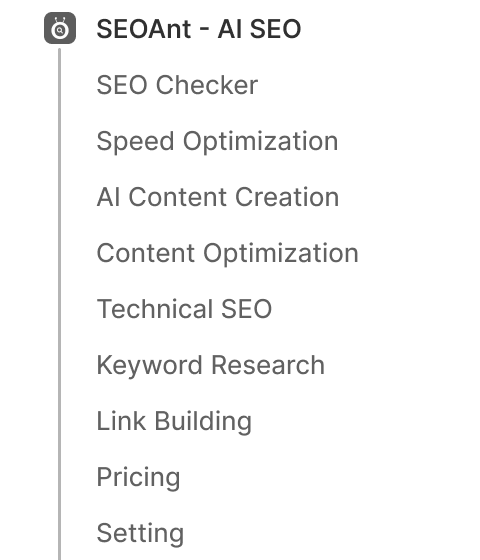
How to use new Workflow navigation in SEOAnt?
When you work on SEO, your goals usually fall into two areas:
Identify and Fix SEO Issues
Identify technical SEO issues → Fix them → Improve overall site performanceCreate & Optimize Content That Ranks
Plan content → Create new content → Optimize existing pages → Track results over time
This Product Tab update is designed around these two goals and structured to match how you actually do SEO.
How to identify & fix SEO Issues in SEOAnt?
Step 1: See where your site has problems
Before optimizing anything, you usually want to understand your site’s overall SEO health and decide what to fix first.
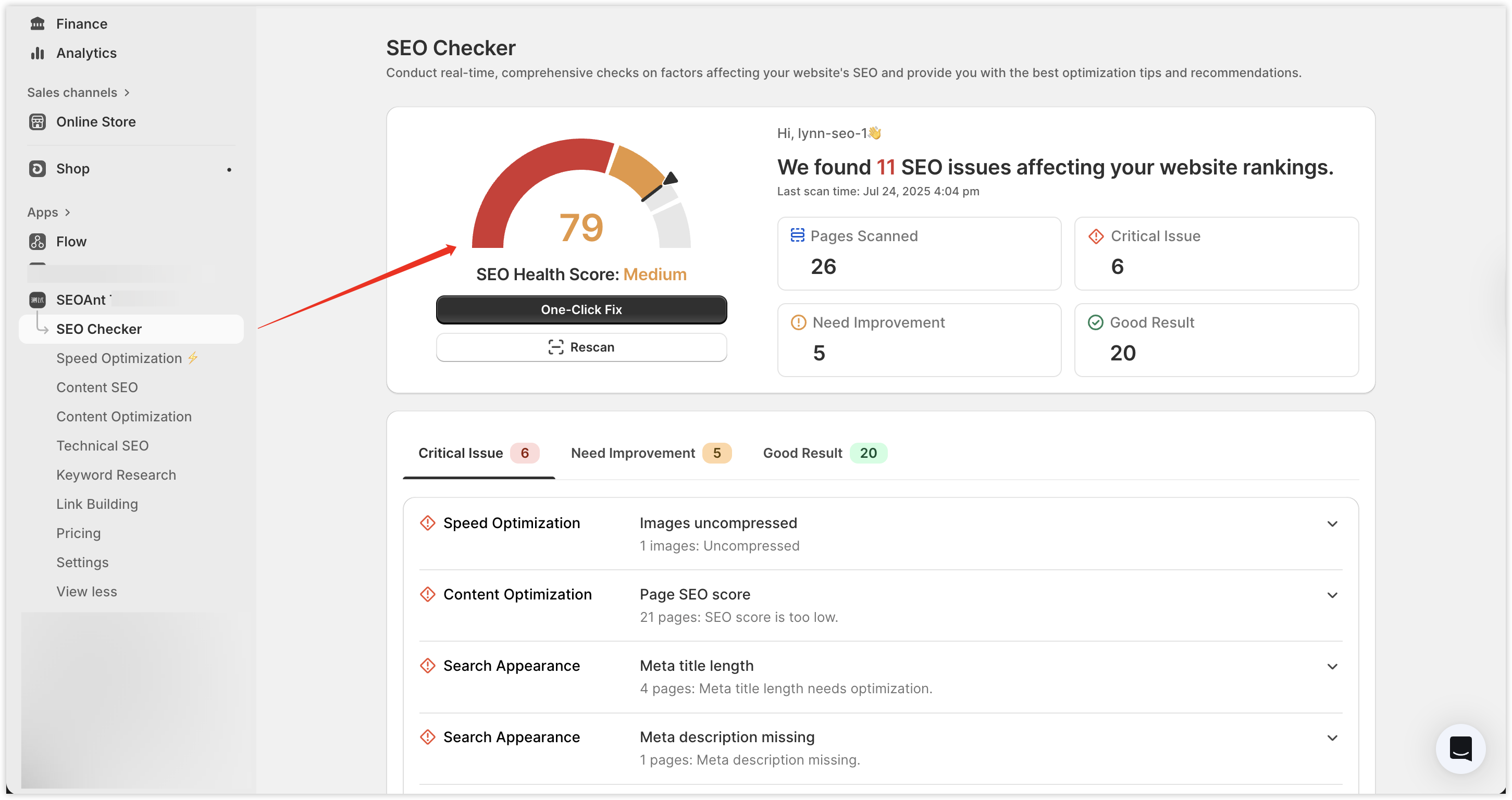
SEO Checker is the starting point. It helps you quickly identify current SEO issues and points you to the next steps.
Step 2: Let SEOAnt improve your site in the background
After fixing key issues, you likely don’t want to repeat manual tasks. Instead, you want:
SEOAnt to continuously handle basic and repetitive optimization work for you.
That’s why all site performance and visibility features are grouped together, including:
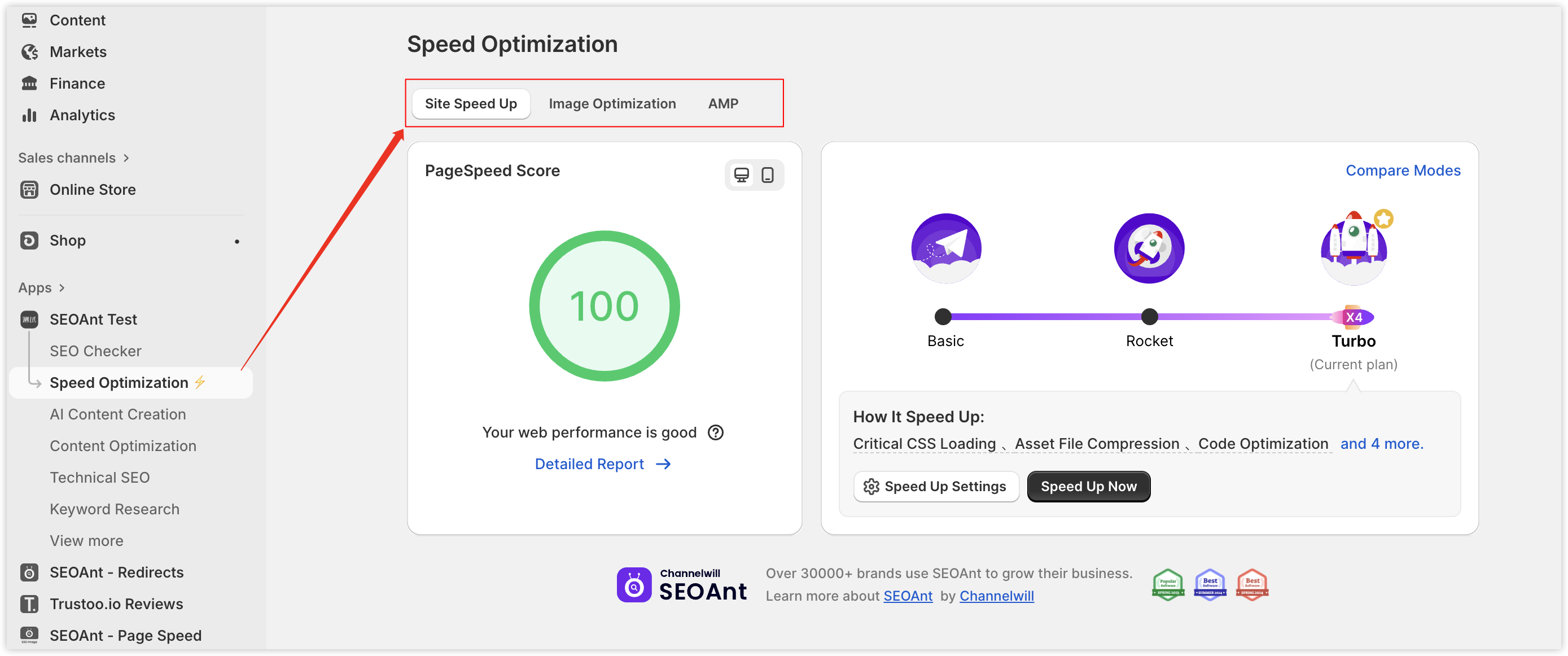
🚀 Speed Optimization
- One-click Site Speed up
- Image Optimization
These improve user experience and page performance signals.
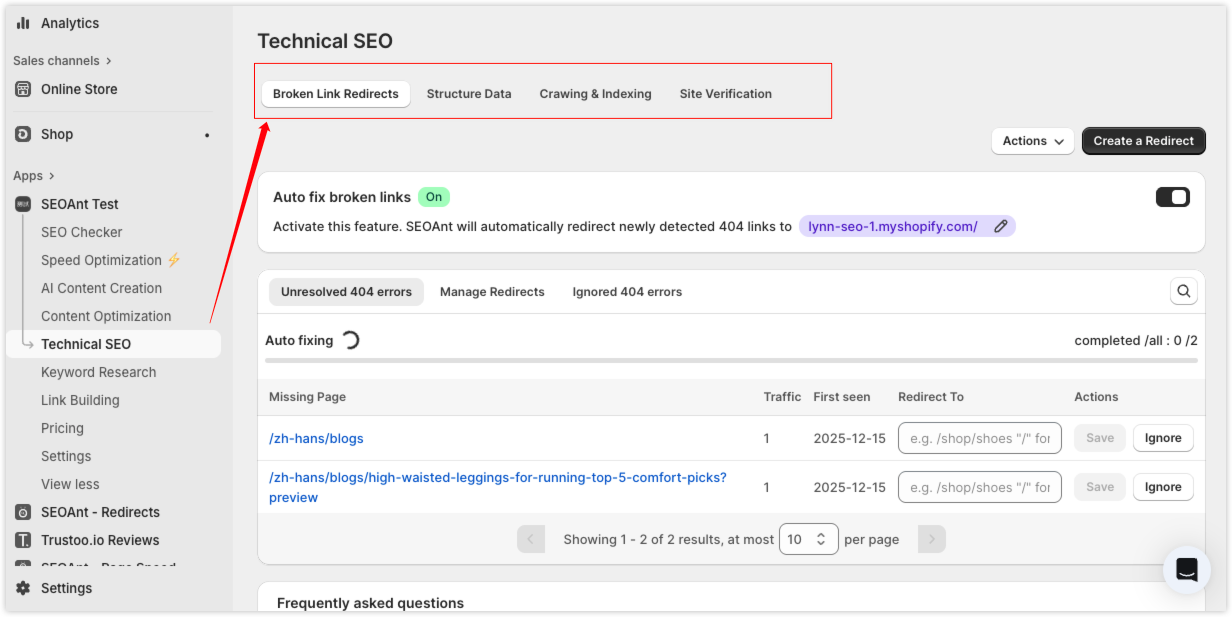
👀 Improve search engine visibility(Technical SEO)
- Enable JSON-LD structured data
- Submit sitemaps for crawling and indexing
This helps search engines better understand and index your content.
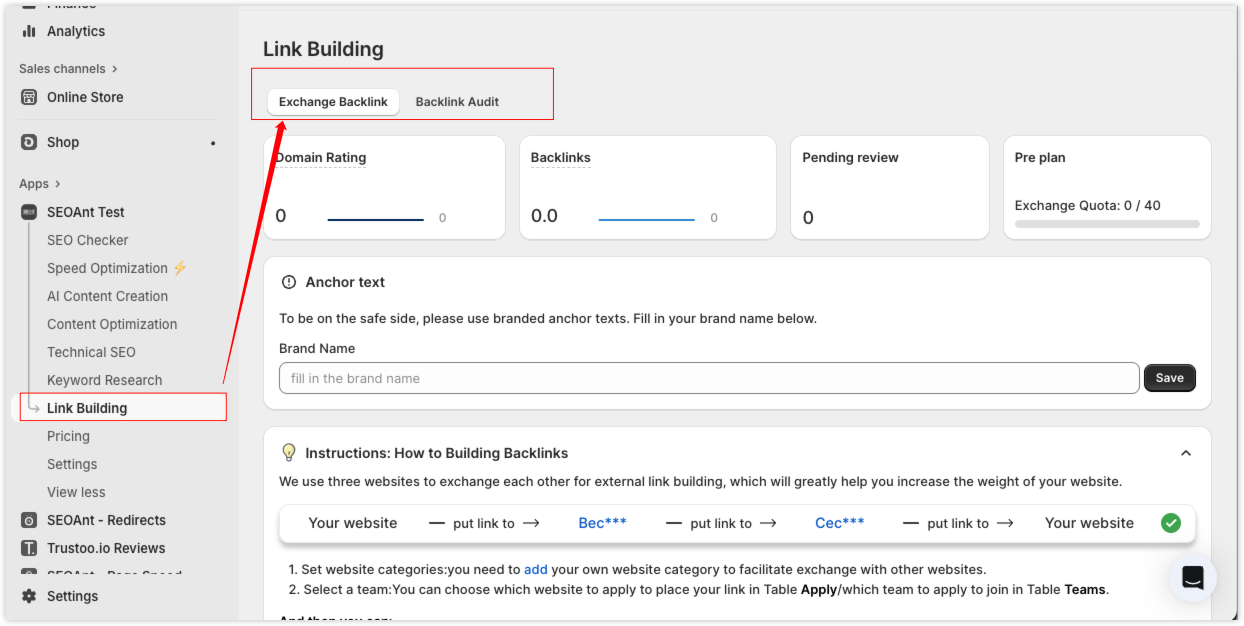
🔗 Link building
When you have more time and resources, you can also work on:
- Exchange Backlink
- Run Backlink Audits
to strengthen your site’s authority.
How to create & optimize content in SEOAnt?
Once your site’s technical foundation and performance are stable, SEO efforts naturally shift back to content.
Step 1: Create new content to acquire search traffic
When you’re ready to grow traffic, the next steps usually include:
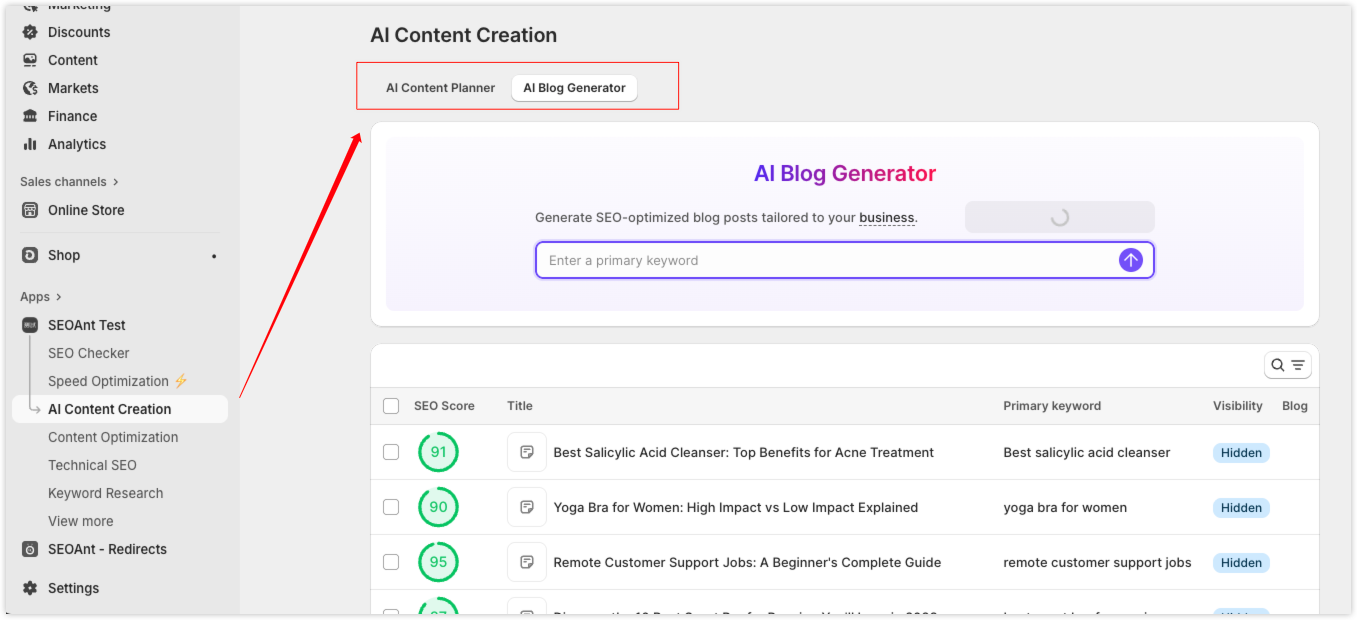
- Plan what content to create using 'AI Content Planner'.
- Generate blog posts with 'AI Blog Generator'.
Step 2: Optimize existing pages to improve rankings
Beyond new content, many SEO opportunities come from pages you already have. You can:
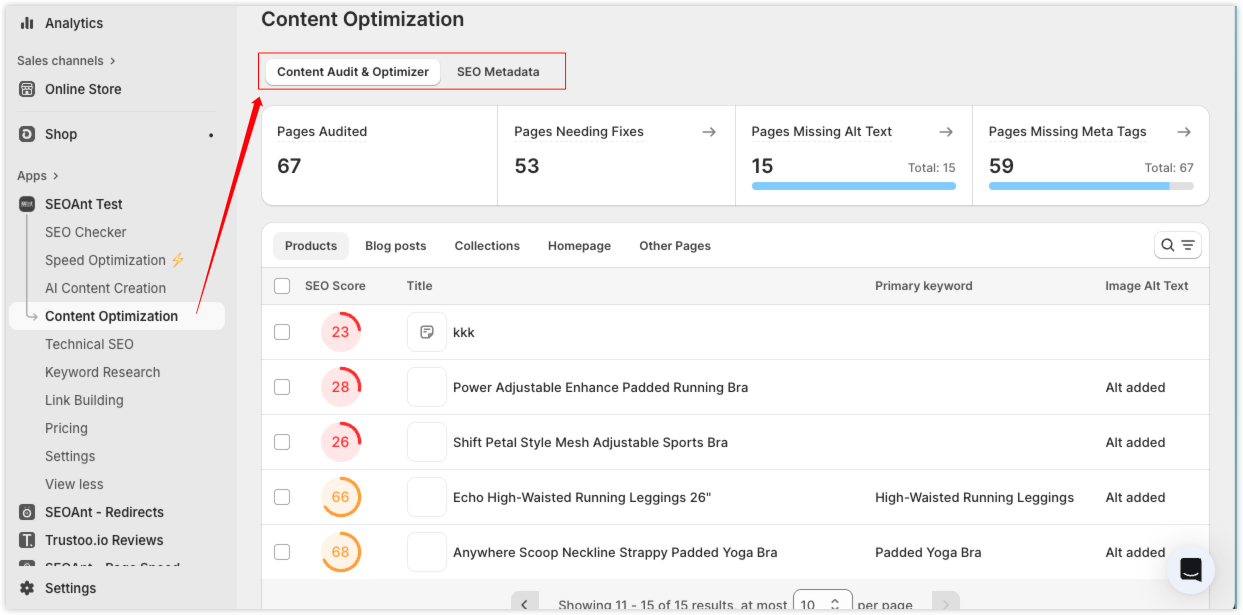
- Optimize content based on SEO checklists under 'Content Audit & Optimizer'
- Bulk-generate image alt text, meta titles, and meta descriptions under 'SEO Metadata'
This makes it easier to systematically improve existing page rankings.
Step 3: Make decisions and adjustments based on keywords
Whether you’re creating new content or optimizing existing pages, keywords guide your decisions.
At this stage, you can:
- Use 'Keyword Rank Tracker' to monitor keyword rankings and discover insights
- Use 'Keyword Suggestions' to expand high-potential keywords from seed terms
- Use 'Competitor Analysis' to spot gaps between your site and competitors
- Use 'GSC' Data Analysis to track traffic and keyword changes